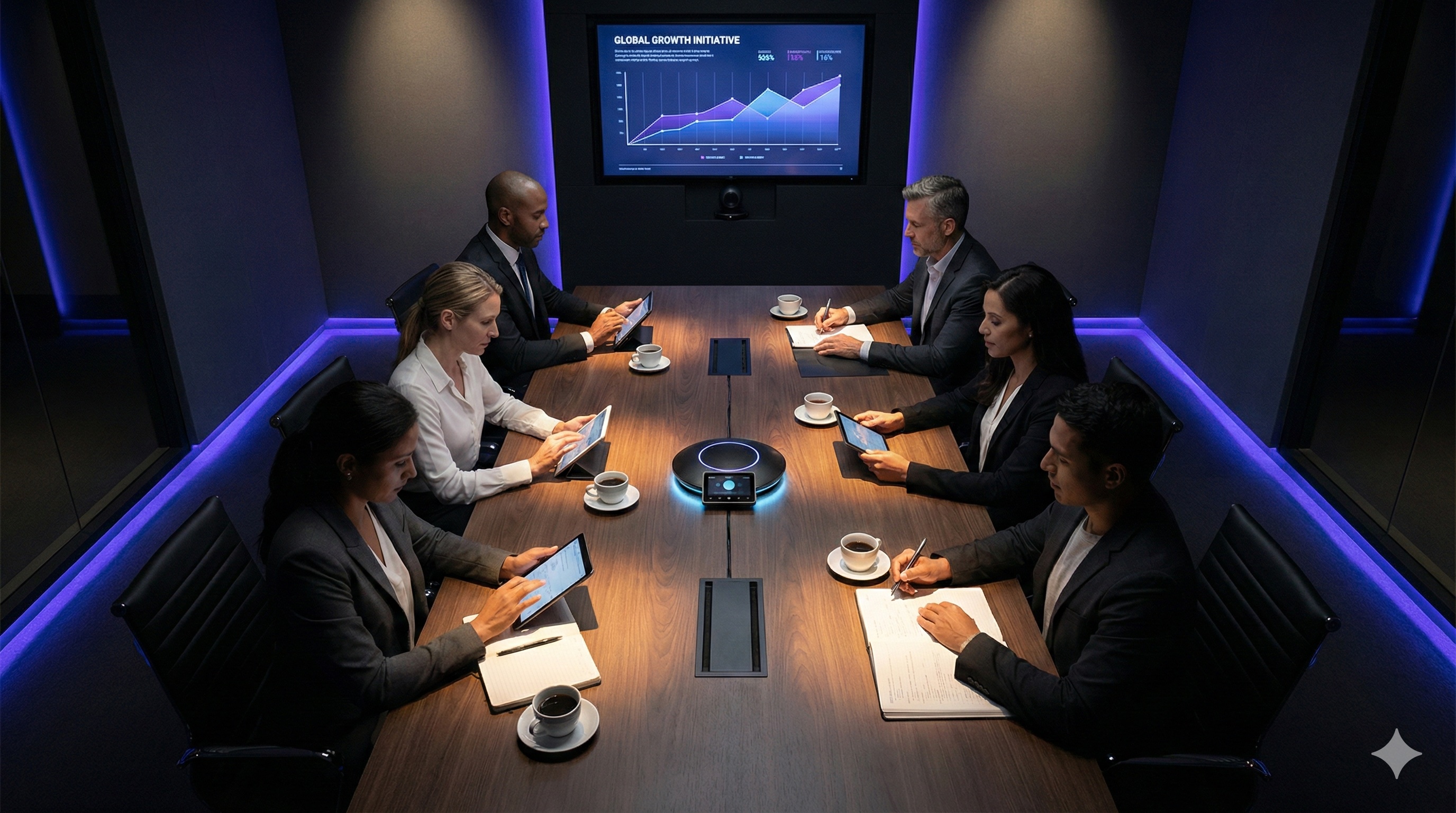
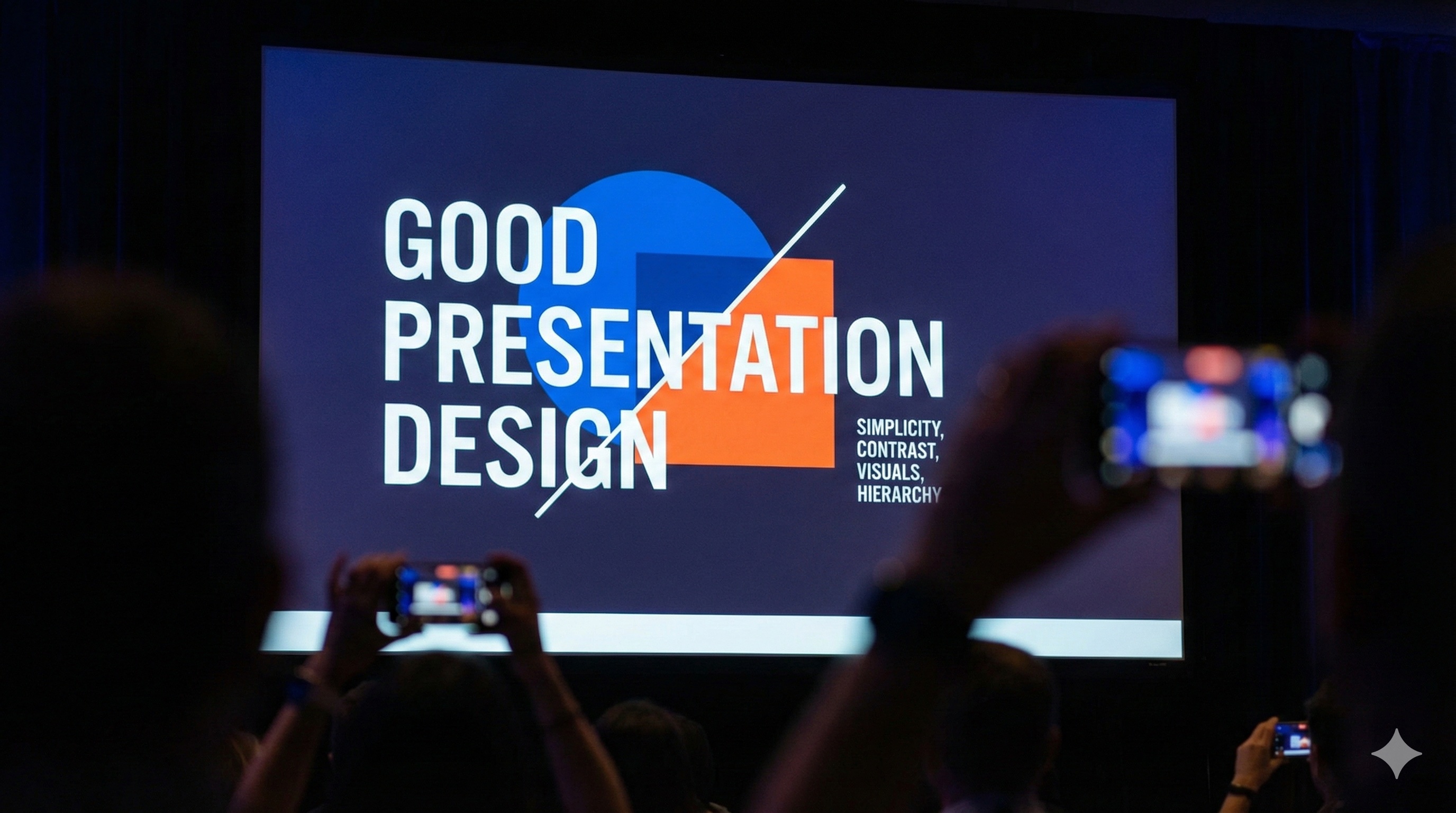
Let's be honest – we've all been there. You're sitting in a conference room, staring at a PowerPoint presentation that looks like it was designed in 1995, while the speaker reads bullet points off the screen in a monotone voice. Your phone buzzes, and suddenly checking Instagram seems way more interesting than whatever "Q3 Revenue Projections" slide is currently on display.
Sound familiar? If you're nodding along, you're not alone. After 20+ years of supporting presentations at everything from boardroom meetings to massive conferences, I've seen the good, the bad, and the downright painful. And here's what I've learned: the difference between a presentation that captivates and one that puts people to sleep isn't about fancy technology or expensive equipment – it's about understanding how to connect with your audience on a human level.
So, if you're ready to transform your presentations from "meh" to "wow," grab a cup of coffee and let's dive into the art of creating presentations that actually matter.
The Psychology of Engagement: Why Most Presentations Fail
Before we talk about what works, let's understand why most presentations don't. The human brain is wired to pay attention to things that are relevant, interesting, or potentially dangerous. Unfortunately, most presentations hit none of these marks.

The Attention Span Reality Check
- Average attention span: 8 seconds (shorter than a goldfish!)
- Peak attention window: First 10 minutes of any presentation
- Information overload threshold: 7±2 pieces of information at once
- Visual processing speed: 60,000 times faster than text
Translation? Your audience's brain is constantly scanning for something more interesting than your slides. Your job is to give them a reason to stay engaged.
The "Hook, Hold, and Inspire" Framework
Great presentations follow a simple but powerful structure: Hook your audience immediately, hold their attention throughout, and inspire them to take action. Let's break this down:
The Hook: Your First 30 Seconds
You have 30 seconds to convince your audience that what you're about to say is worth their time. Here are some proven hook techniques:
The "Startling Statistic" Hook
Example: "Did you know that 90% of presentations are forgotten within 24 hours? But the 10% that stick follow one simple principle..."
The "Personal Story" Hook
Example: "Last month, I was sitting in a presentation that changed everything I thought I knew about customer service. Let me tell you what happened..."
The "Question" Hook
Example: "What if I told you that you could increase your team's productivity by 40% without hiring a single new person?"
The "Visual Surprise" Hook
Example: Start with a blank slide, then reveal a single powerful image or word that sets the tone for everything that follows.
The Hold: Keeping Attention Throughout
Once you've hooked them, you need to keep them engaged. Here's how:
The "Rule of Three"
Structure your content in groups of three. The human brain loves patterns, and three is the magic number for retention.
- Three main points
- Three examples per point
- Three takeaways at the end
The "Story Arc" Structure
Every great presentation tells a story with a clear beginning, middle, and end:
- Beginning: Set the scene and introduce the challenge
- Middle: Present your solution and evidence
- End: Show the transformation and call to action
The Inspire: Your Call to Action
Don't just end your presentation – inspire your audience to take action. Make it clear, specific, and achievable.
Visual Design: Making Your Slides Work for You
The "Less is More" Principle
Your slides should support your presentation, not compete with it. Here's how to design slides that enhance rather than distract:
Typography That Works
- Font size: Minimum 24pt for body text, 36pt+ for headings
- Font choice: Sans-serif fonts (Arial, Helvetica, Calibri) for readability
- Contrast: Dark text on light backgrounds, light text on dark backgrounds
- Consistency: Use the same font family throughout
Color Psychology
- Blue: Trust, professionalism, stability
- Green: Growth, harmony, nature
- Red: Energy, urgency, passion (use sparingly)
- Orange: Creativity, enthusiasm, warmth
- Purple: Luxury, creativity, wisdom
Layout Best Practices
- White space: Don't fill every inch – give your content room to breathe
- Alignment: Use grids and guides to keep everything aligned
- Hierarchy: Make it clear what's most important through size and placement
- Consistency: Use the same layout patterns throughout

The Power of Storytelling in Presentations
Why Stories Work
Stories are how humans have communicated for thousands of years. They're memorable, relatable, and emotionally engaging. Here's how to use them in your presentations:
The "Hero's Journey" Structure
- Ordinary World: Set up the current situation
- Call to Adventure: Introduce the challenge or opportunity
- Refusal of the Call: Acknowledge the obstacles
- Meeting the Mentor: Introduce your solution or approach
- Crossing the Threshold: Show the transformation
- Return with the Elixir: Present the results and benefits
Types of Stories That Work
- Personal anecdotes: Your own experiences and lessons learned
- Customer success stories: How your solution helped someone
- Case studies: Detailed examples of problems and solutions
- Metaphors and analogies: Complex concepts explained simply
Interactive Elements: Getting Your Audience Involved
The "Audience Participation" Strategy
Engaged audiences remember more and are more likely to take action. Here are some ways to get your audience involved:
Questions and Polls
- Rhetorical questions: "How many of you have experienced this problem?"
- Show of hands: "Raise your hand if you agree with this statement"
- Live polls: Use tools like Mentimeter or Poll Everywhere
- Q&A sessions: Build in time for audience questions
Interactive Activities
- Think-pair-share: Give people time to discuss with a neighbor
- Quick exercises: "Take 30 seconds to write down your biggest challenge"
- Group discussions: Break into small groups for discussion
- Live demonstrations: Show rather than tell
Delivery Techniques: How You Present Matters
The "Confident Speaker" Checklist
Your content could be amazing, but if your delivery is weak, your message won't land. Here's how to present with confidence:
Body Language
- Posture: Stand tall with shoulders back
- Eye contact: Look at your audience, not your slides
- Gestures: Use natural hand movements to emphasize points
- Movement: Move around the space, but don't pace nervously
Voice and Speech
- Volume: Speak loud enough for everyone to hear
- Pace: Vary your speed – slow down for important points
- Pauses: Use silence strategically to let points sink in
- Enunciation: Speak clearly and articulate your words
Energy and Enthusiasm
- Passion: Show that you care about your topic
- Smile: Appropriate facial expressions for your content
- Variety: Change your tone and pace to maintain interest
- Authenticity: Be yourself – audiences can sense fakeness
Technology and Tools: Making It All Work
The "Tech-Savvy Presenter" Toolkit
Great presentations require great technology. Here's what you need to know:
Presentation Software
- PowerPoint: Still the standard, but use it well
- Keynote: Great for Mac users, beautiful templates
- Google Slides: Collaborative and cloud-based
- Prezi: Non-linear, zooming presentations
- Canva: Easy design for non-designers
Interactive Tools
- Mentimeter: Real-time polls and word clouds
- Poll Everywhere: Audience response system
- Kahoot: Game-based learning and quizzes
- Slido: Q&A and audience engagement
Visual Enhancement Tools
- Unsplash/Pexels: High-quality stock photos
- Icons8/Flaticon: Professional icons and graphics
- Canva/Adobe Creative Suite: Design tools for custom graphics
- Loom/Screencastify: Video recording and screen capture
Common Presentation Mistakes (And How to Avoid Them)
The "Death by PowerPoint" Syndrome
Mistake: Reading bullet points directly from slides
Solution: Use slides as visual support, not a script
The "Information Overload" Problem
Mistake: Trying to cover too much information
Solution: Focus on 3-5 key points maximum
The "One-Size-Fits-All" Approach
Mistake: Using the same presentation for different audiences
Solution: Customize content and examples for each audience
The "No Practice" Trap
Mistake: Wing it without rehearsing
Solution: Practice multiple times, including with the technology
Measuring Success: How to Know Your Presentation Worked
The "Engagement Metrics" Dashboard
- Audience attention: Are people looking at you or their phones?
- Questions and participation: Are people asking questions and engaging?
- Body language: Are people leaning forward or slouching back?
- Follow-up actions: Are people taking the actions you requested?
The "Impact Assessment" Checklist
- Message retention: Can people repeat your key points?
- Behavior change: Are people doing things differently?
- Referrals and recommendations: Are people sharing your content?
- Future engagement: Are people asking for more information?
The Bottom Line: Making It All Work Together
Creating an engaging presentation isn't about having the fanciest slides or the most expensive equipment. It's about understanding your audience, crafting a compelling message, and delivering it with confidence and authenticity.
Remember, your audience wants you to succeed. They're sitting there hoping to learn something valuable, be inspired, or gain insights that will help them. Your job is to give them what they came for – and maybe a little bit more.
At Equinox Audio Visuals, we've supported thousands of presentations over the years. We've seen what works and what doesn't, and we know that the best presentations happen when great content meets great technology and great delivery. When all three come together, magic happens.
So go ahead – create that presentation that will have people talking long after it's over. Your audience is waiting for something amazing. Don't let them down.
Ready to Create Presentations That Actually Engage?
Let our team help you deliver presentations that captivate your audience with professional AV support and expert guidance.
Elevate Your Next Presentation